


Frequently Asked Questions (FAQ)
This is an instant digital download. As soon as your payment is confirmed, you will receive an email with a download link. You will also be able to download the file directly from the checkout page. No physical item will be shipped.
A ZIP file is a folder that safely compresses multiple files together so you can download them faster. • On Windows: Right-click the downloaded .zip file and select "Extract All...". • On Mac: Simply double-click the .zip file, and it will automatically open into a regular folder containing your PDFs.
To give you the absolute best printing experience depending on where you decide to print: - Home Printing Version: Optimized for standard desktop printers. It prints cleanly on standard US Letter size paper without any extra setup. - Professional Print Shop Version: Includes "crop marks and bleeds" (alignment lines). Take this version to stores like Staples, Office Depot, or a local print shop so they can trim the edges perfectly with zero white borders.
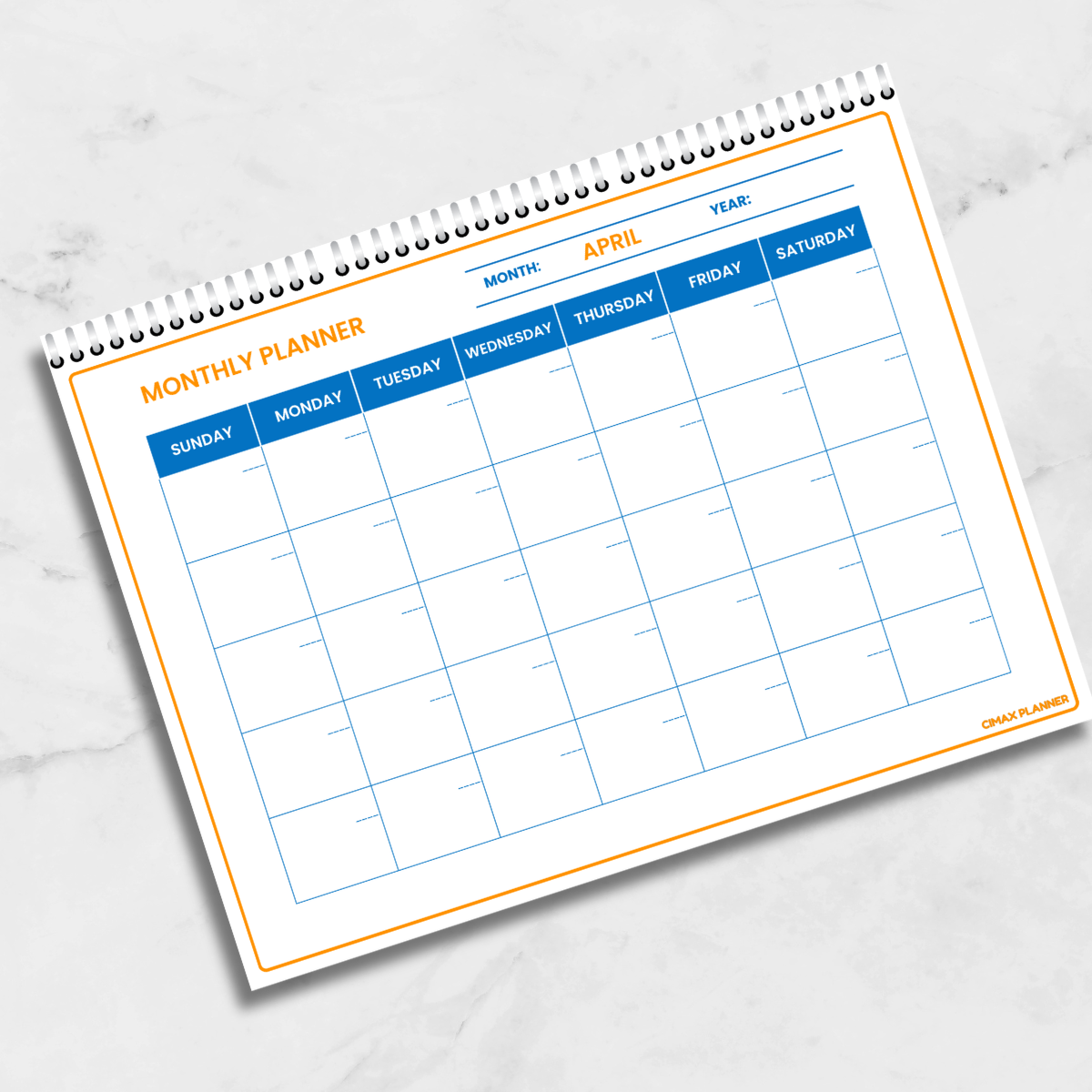
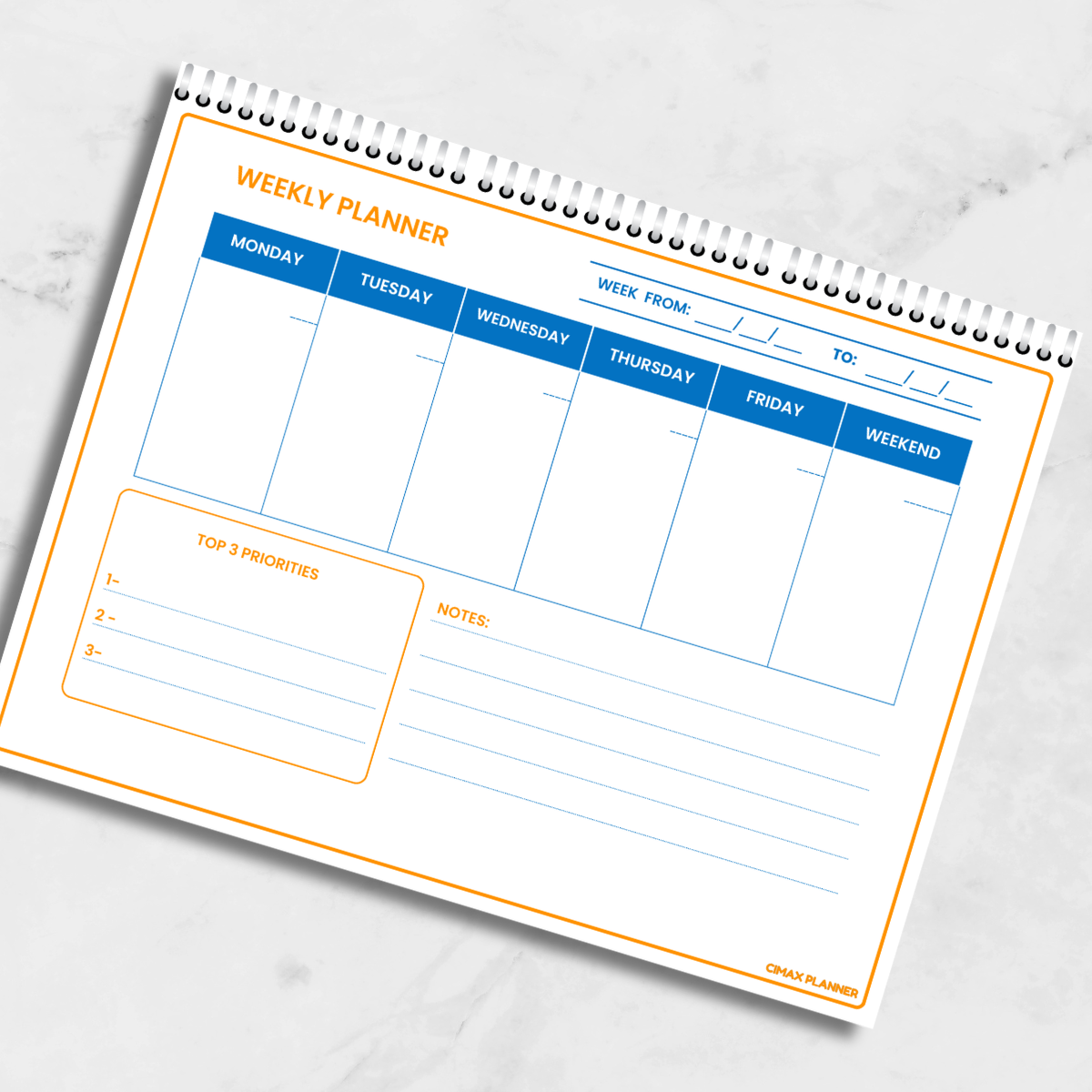
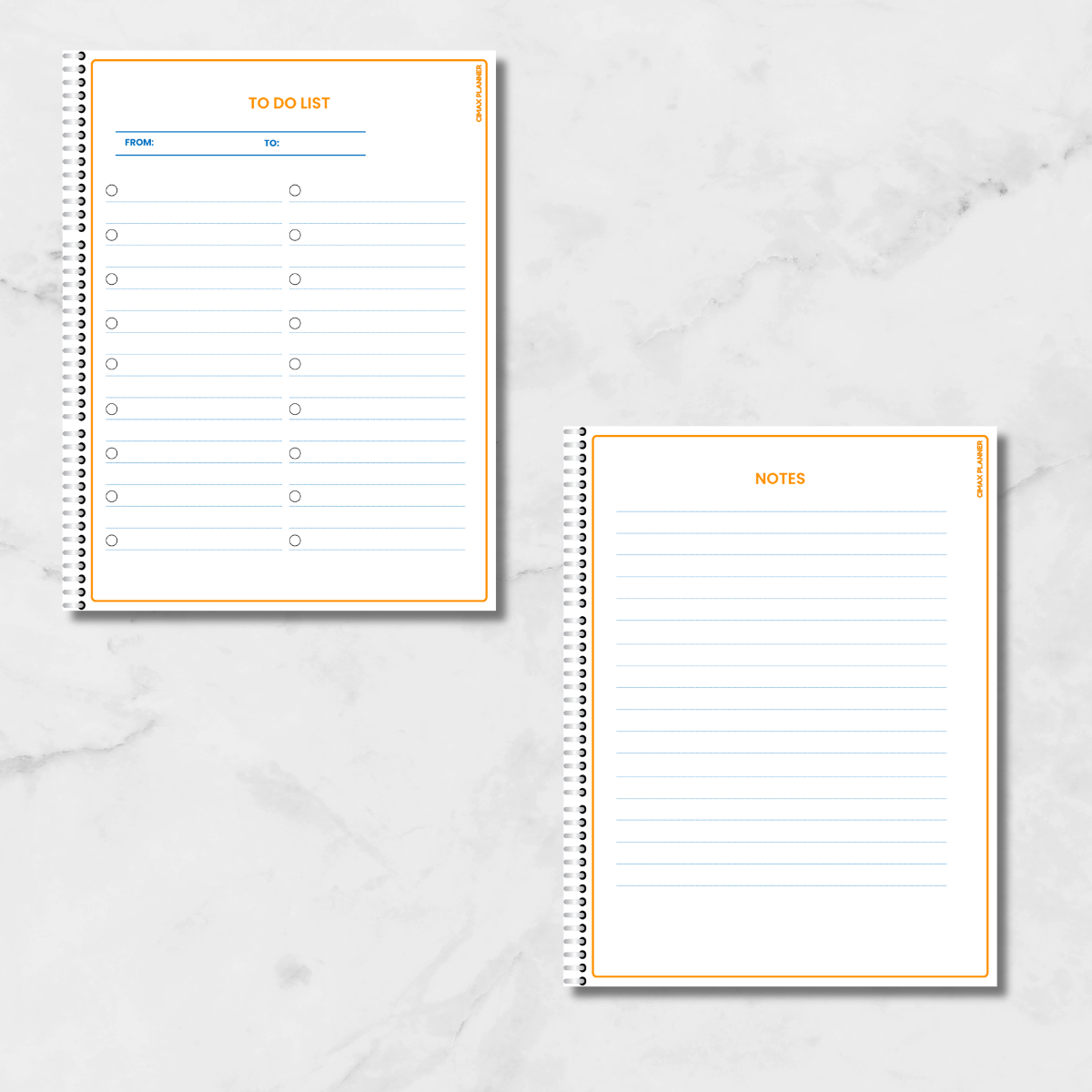
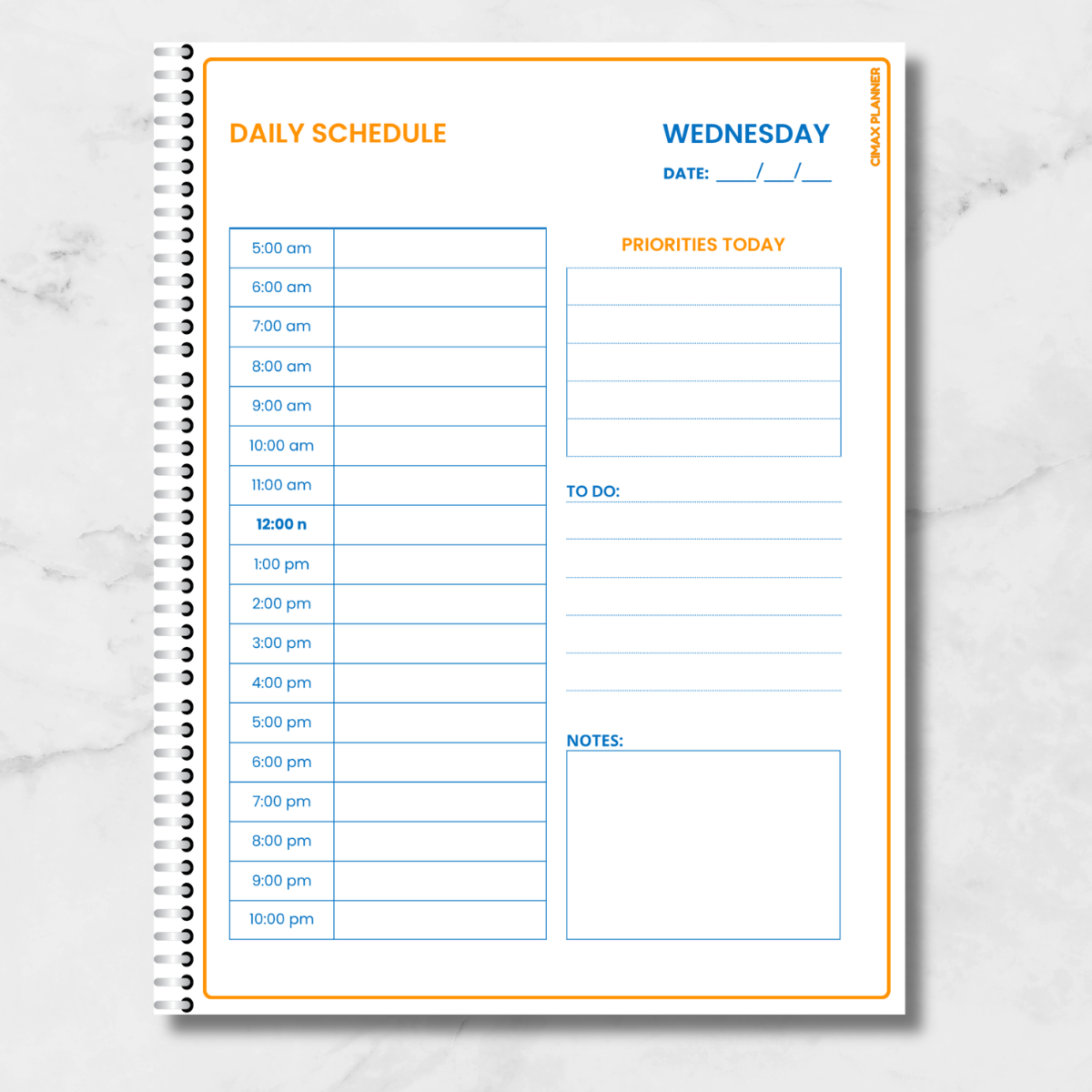
Yes, absolutely! Since this planner is 100% undated, you have total flexibility. You can print the entire 48-page planner at once, or you can open the PDF and choose to print only the specific sheets you need (like the Weekly Planner or Assignment Tracker) as many times as you want, whenever you want.
The files are perfectly formatted for standard US Letter Size (8.5 x 11 inches), which fits standard school binders, clipboards, or binding machines.
To make the vibrant blue and orange colors pop just like on your screen, we highly recommend: - Using a slightly thicker paper (like 24lb or 32lb / 90g-120g bond paper). - Setting your printer quality to "High Quality" or "Photo Paper" instead of "Draft" or "Normal". Choosing "Fit to Page" or "Scale: 100%" in your print preview window.
You can download the file only 1 time from the link we provided. After that you can keep the file saved on your computer or any device you use.

Print What You Need, When You Want!
100% Undated: Start anytime, zero wasted pages.
Print on Demand: Print only the pages you need today.
Lifetime Use: Buy it once, reprint it for every school year!
Eco-Friendly Choice: Only print the layouts that work for you.

Everything You Need to Succeed
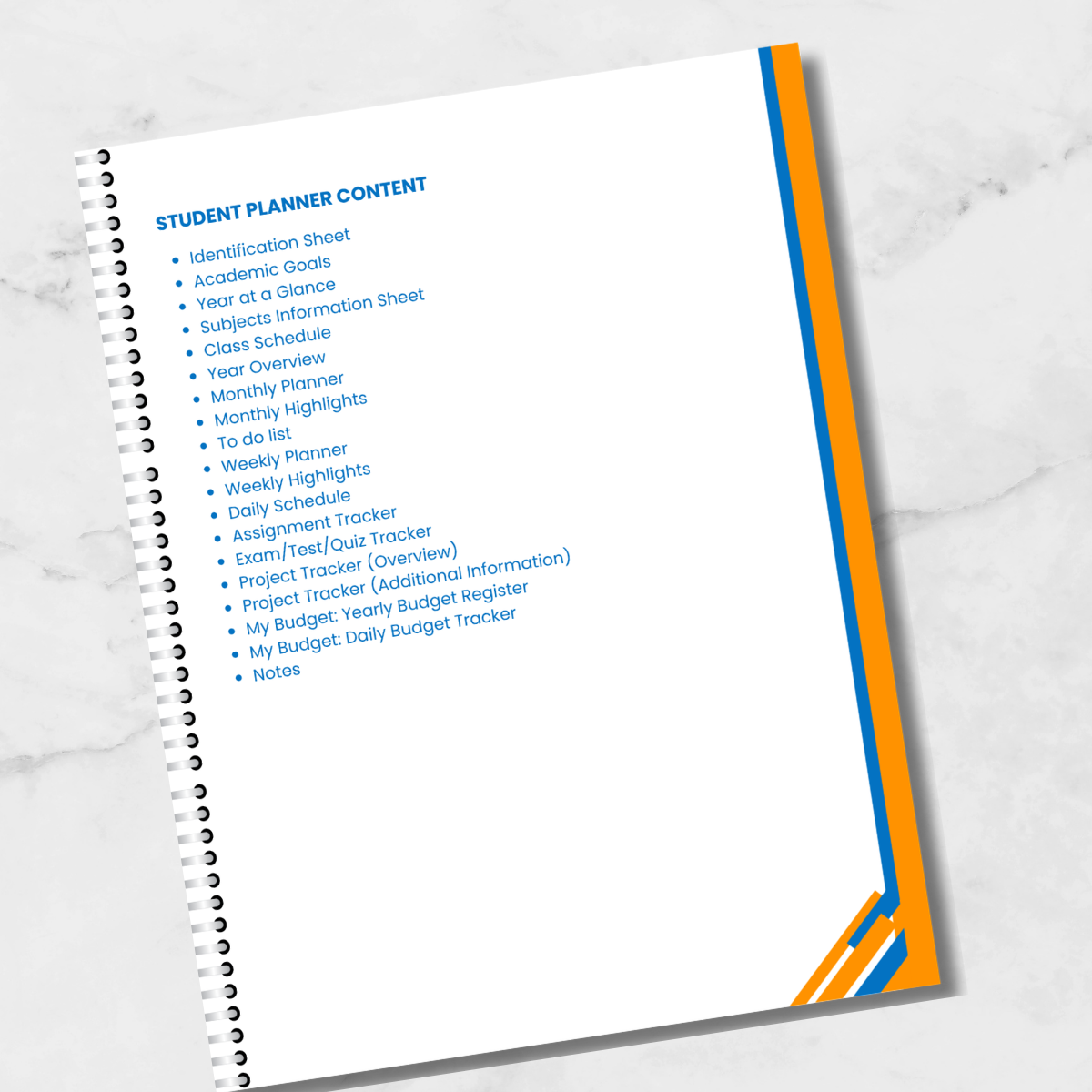
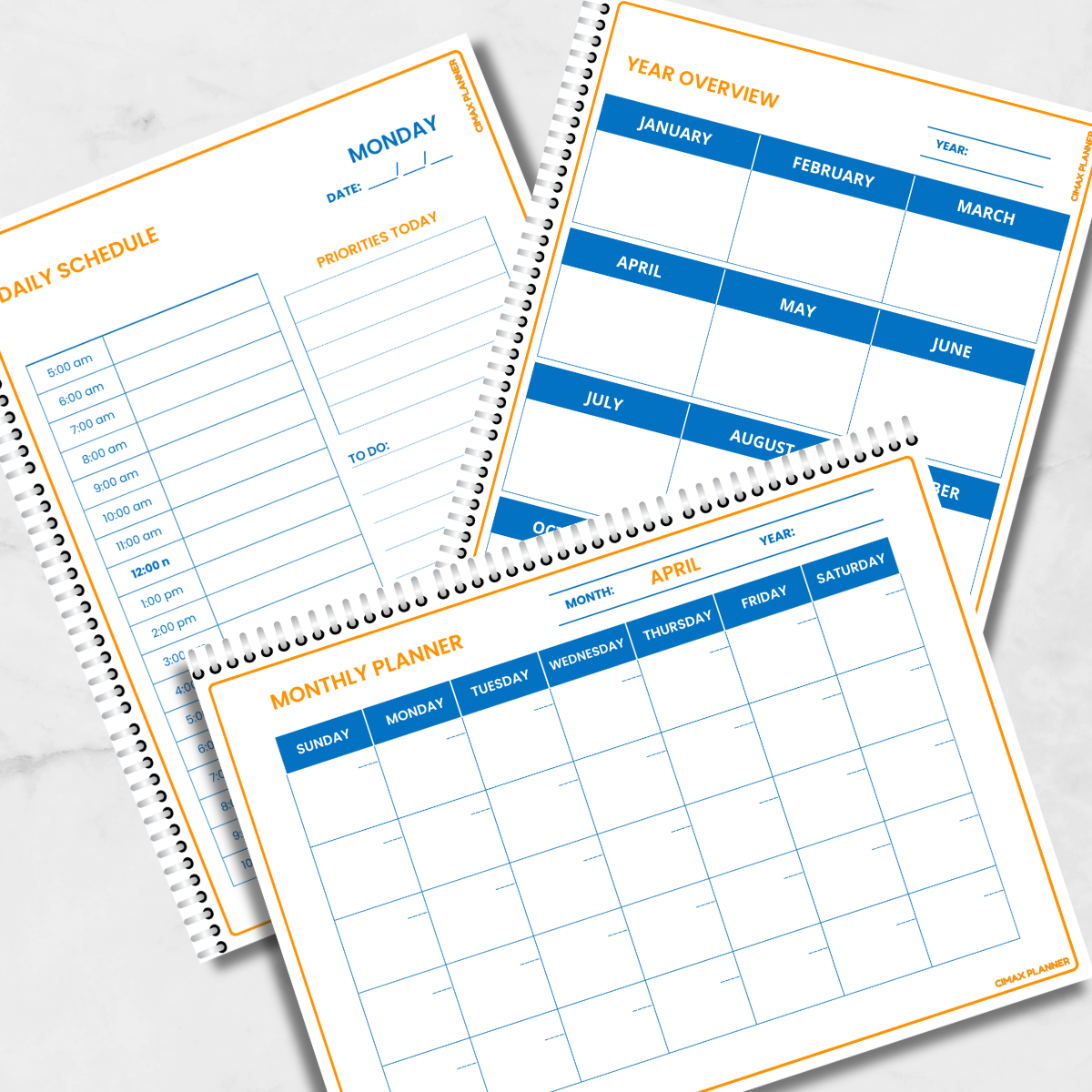
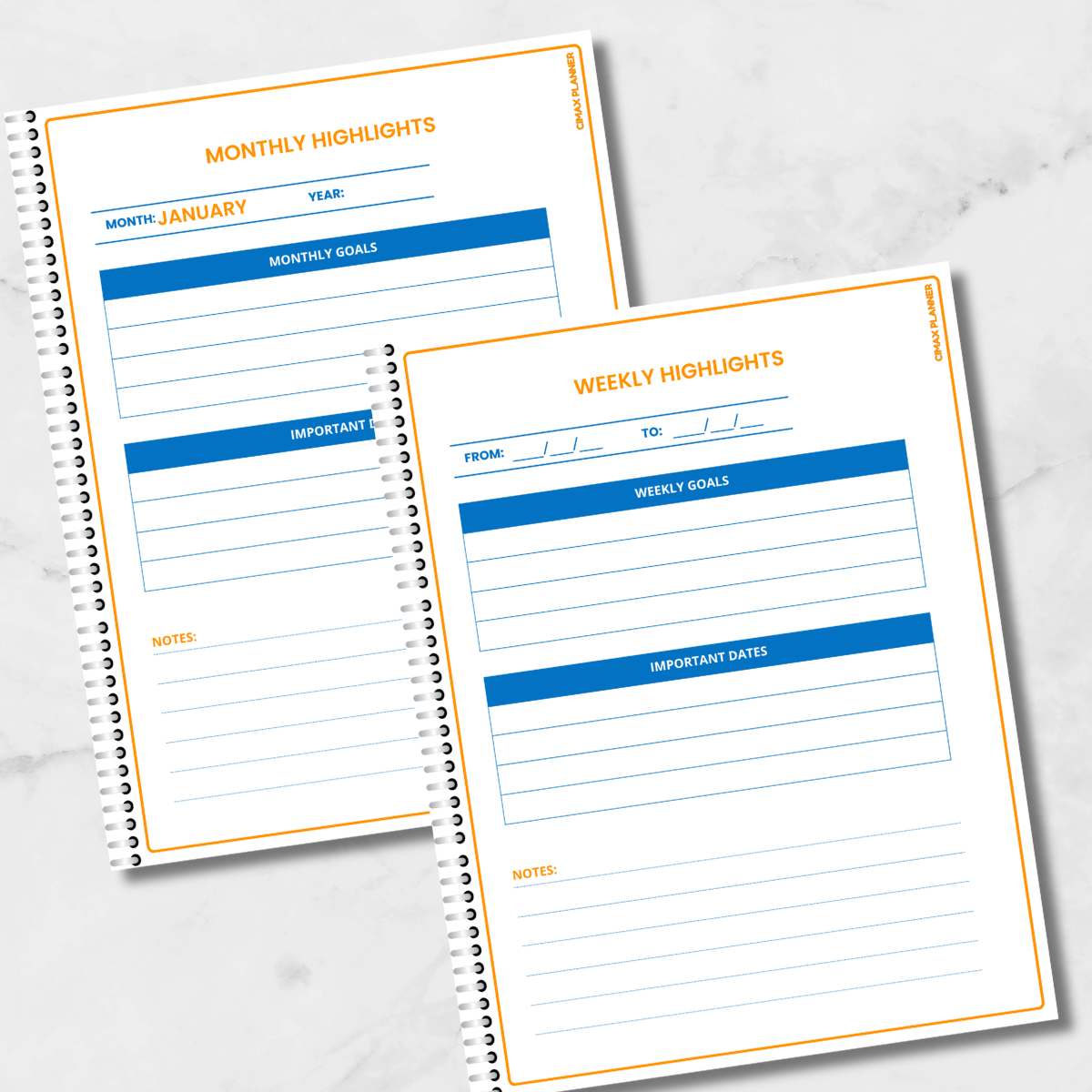
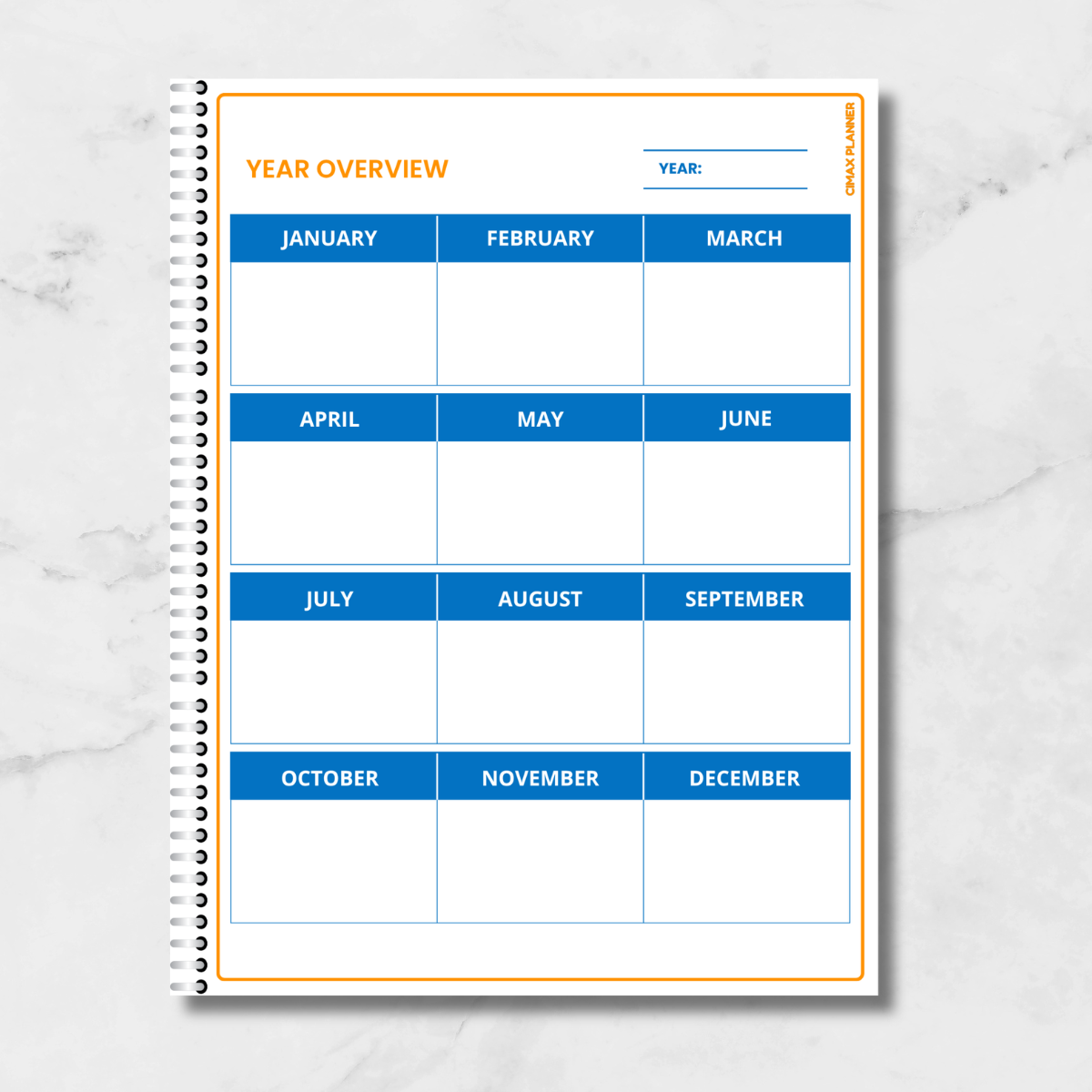
- Smart Planning: Daily, Weekly & Monthly
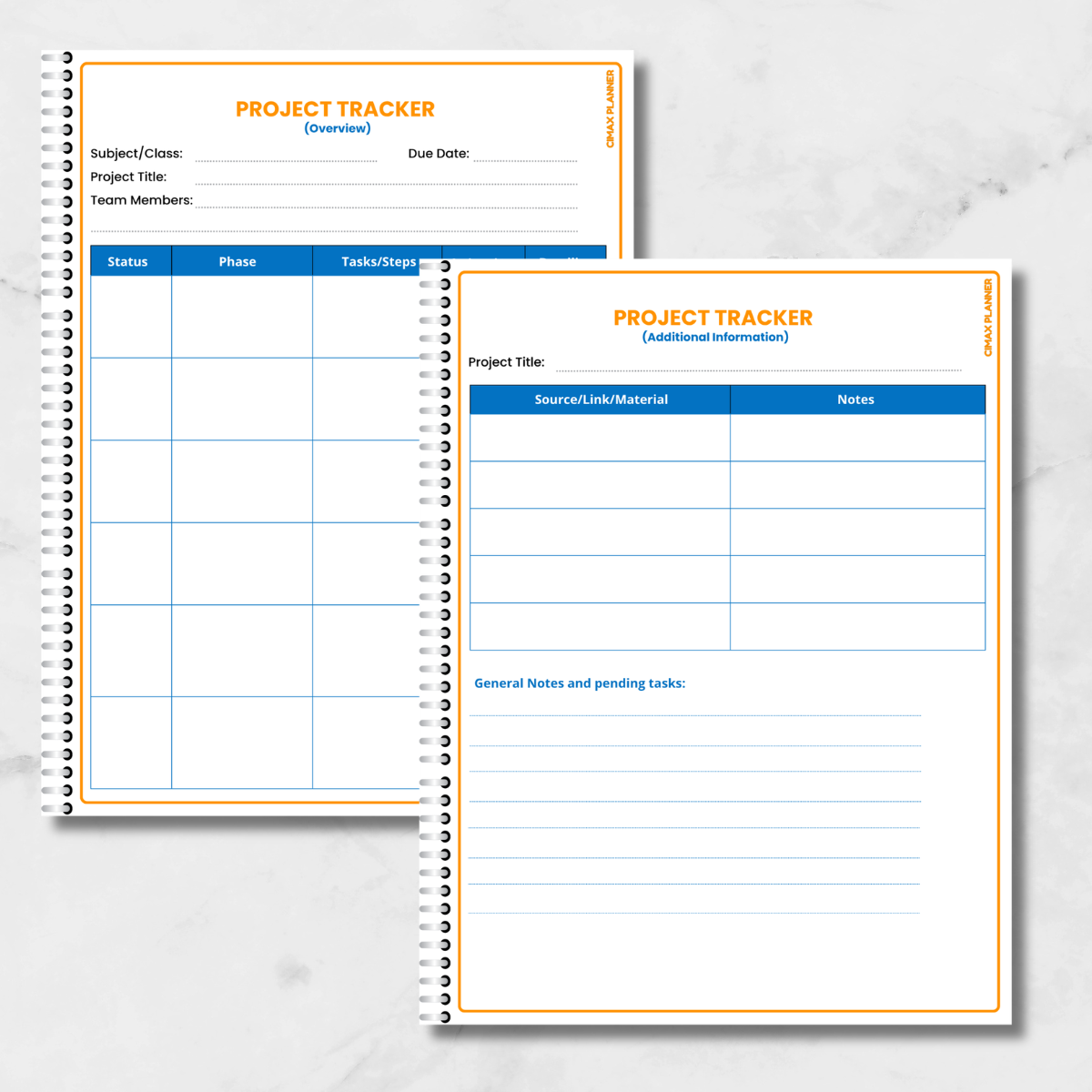
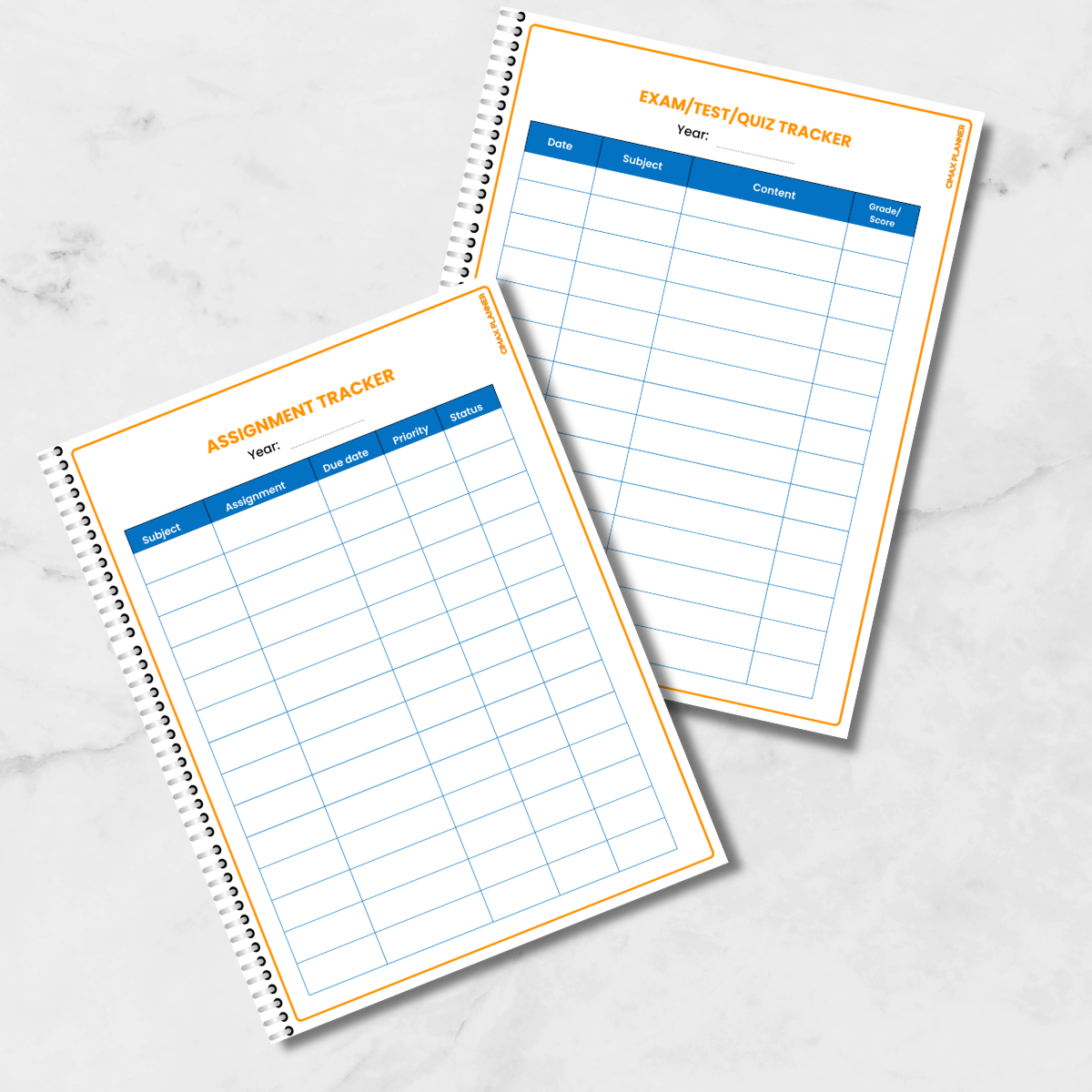
Layouts. - Grade Boosters: Assignment, Exam &
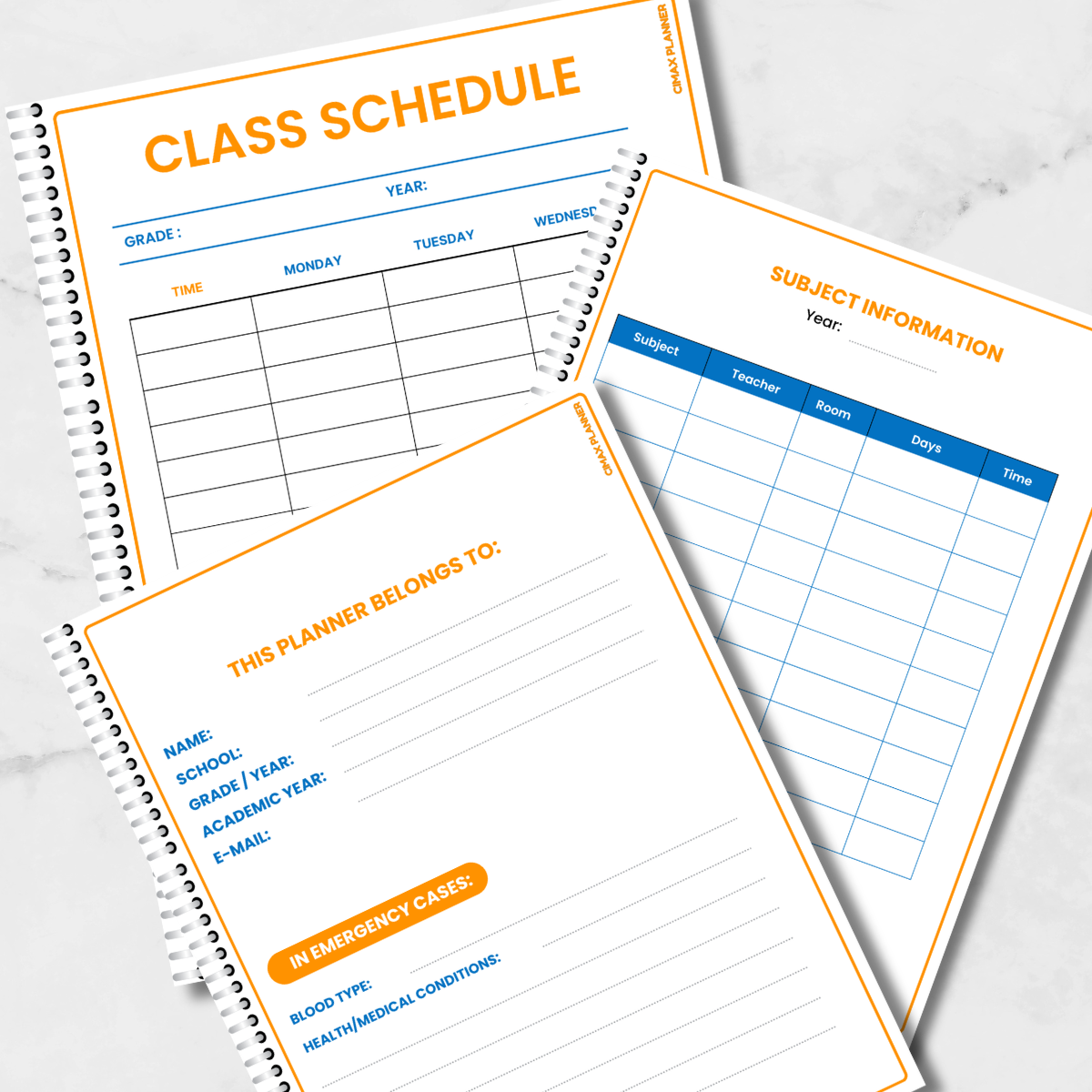
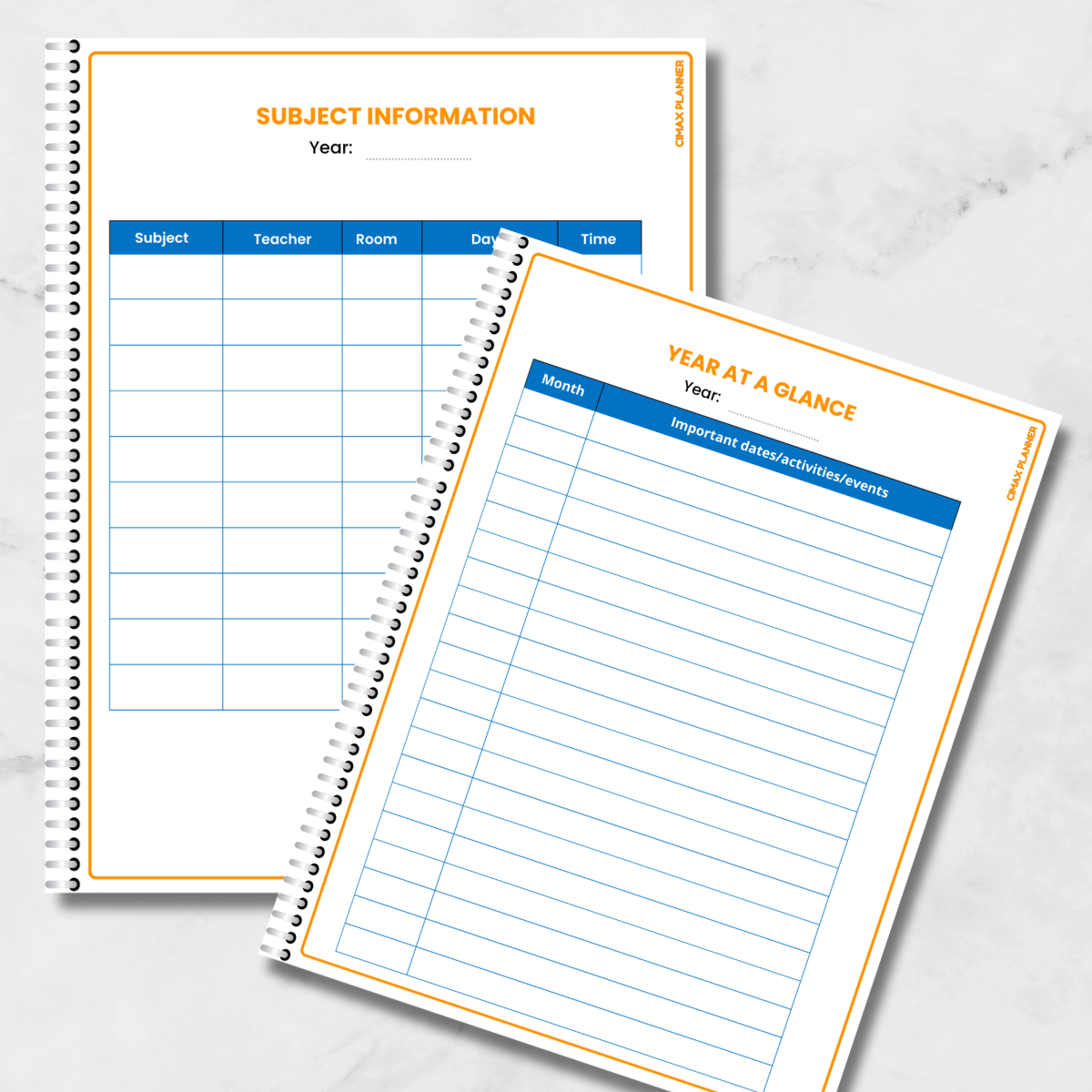
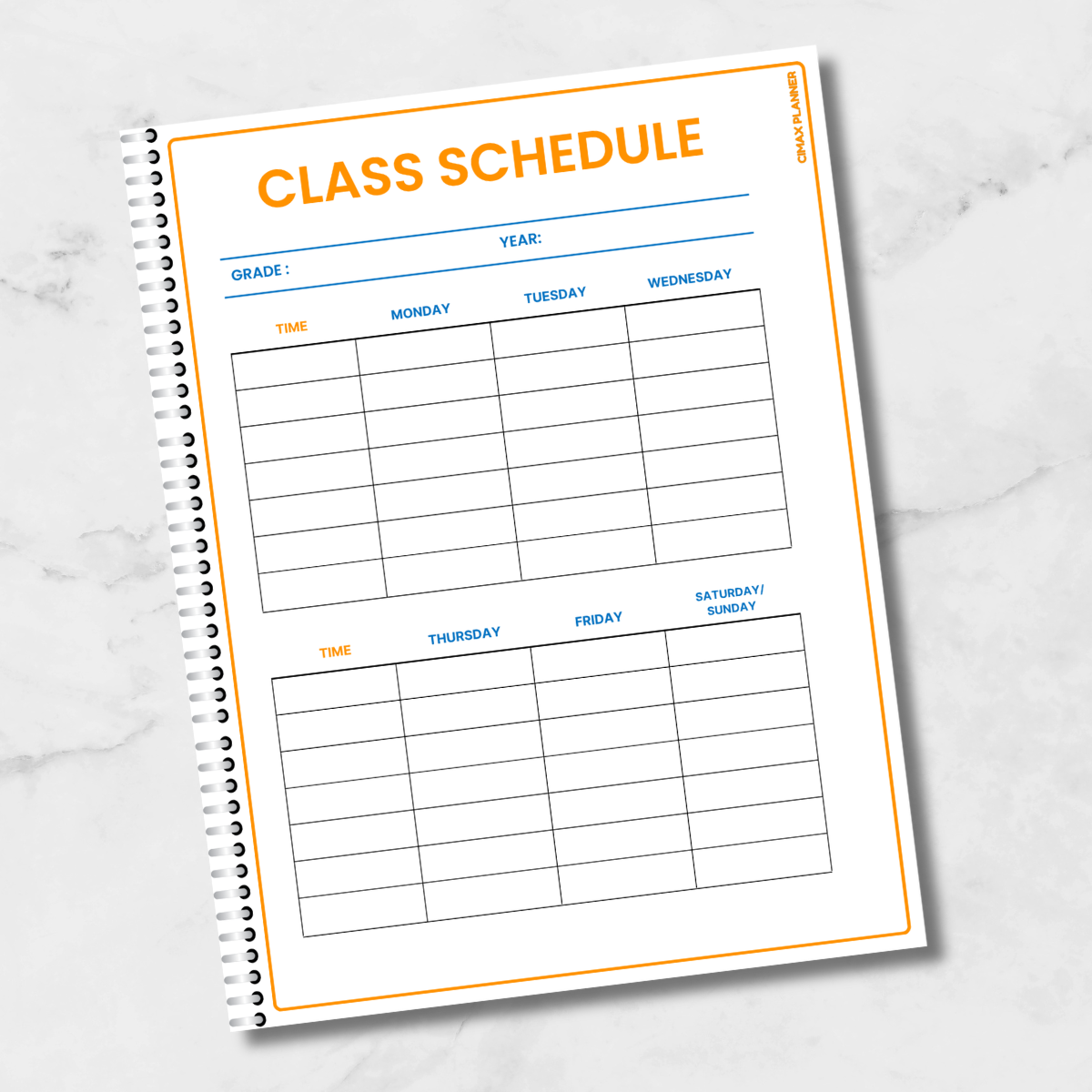
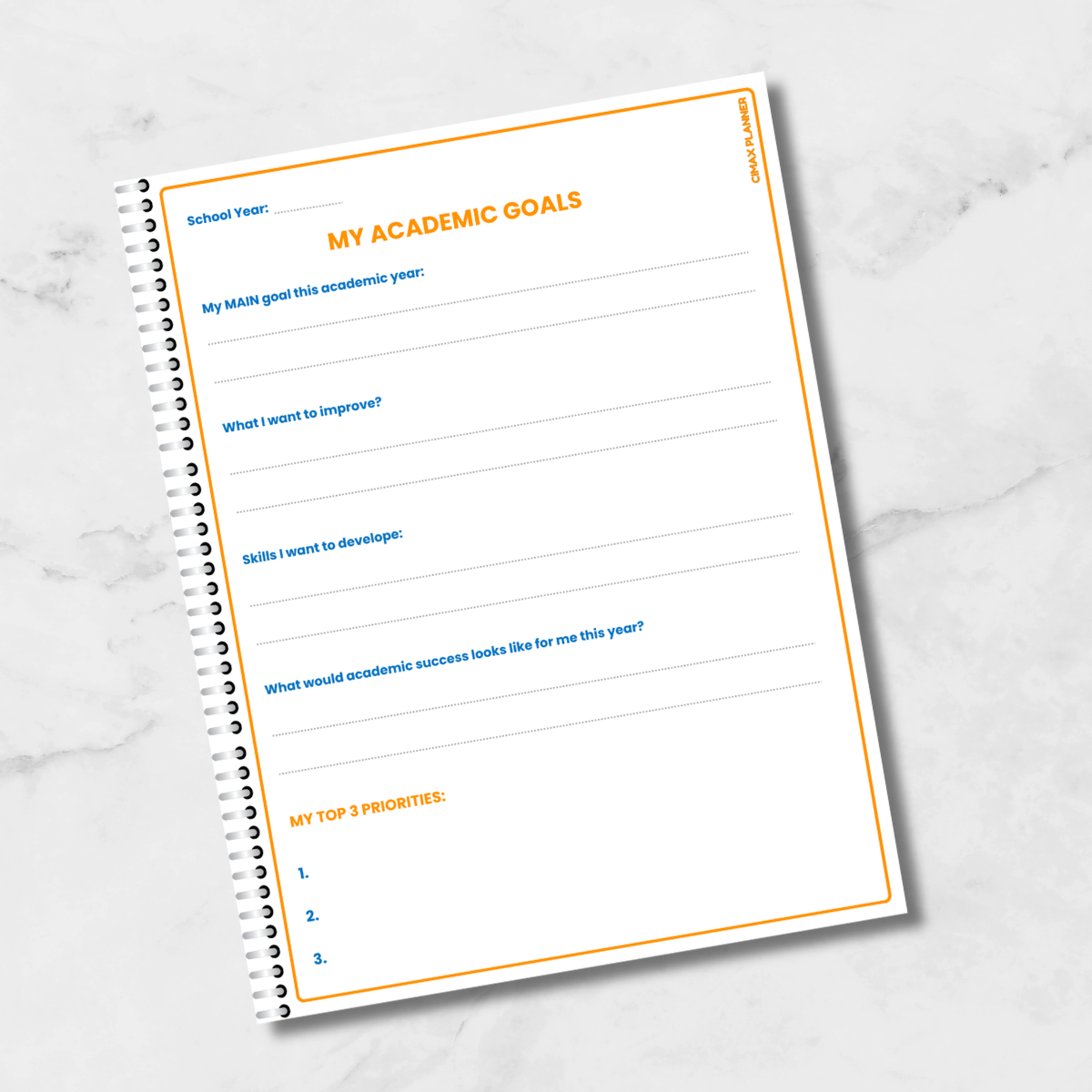
Project Trackers. - School Essentials: Class Schedules &
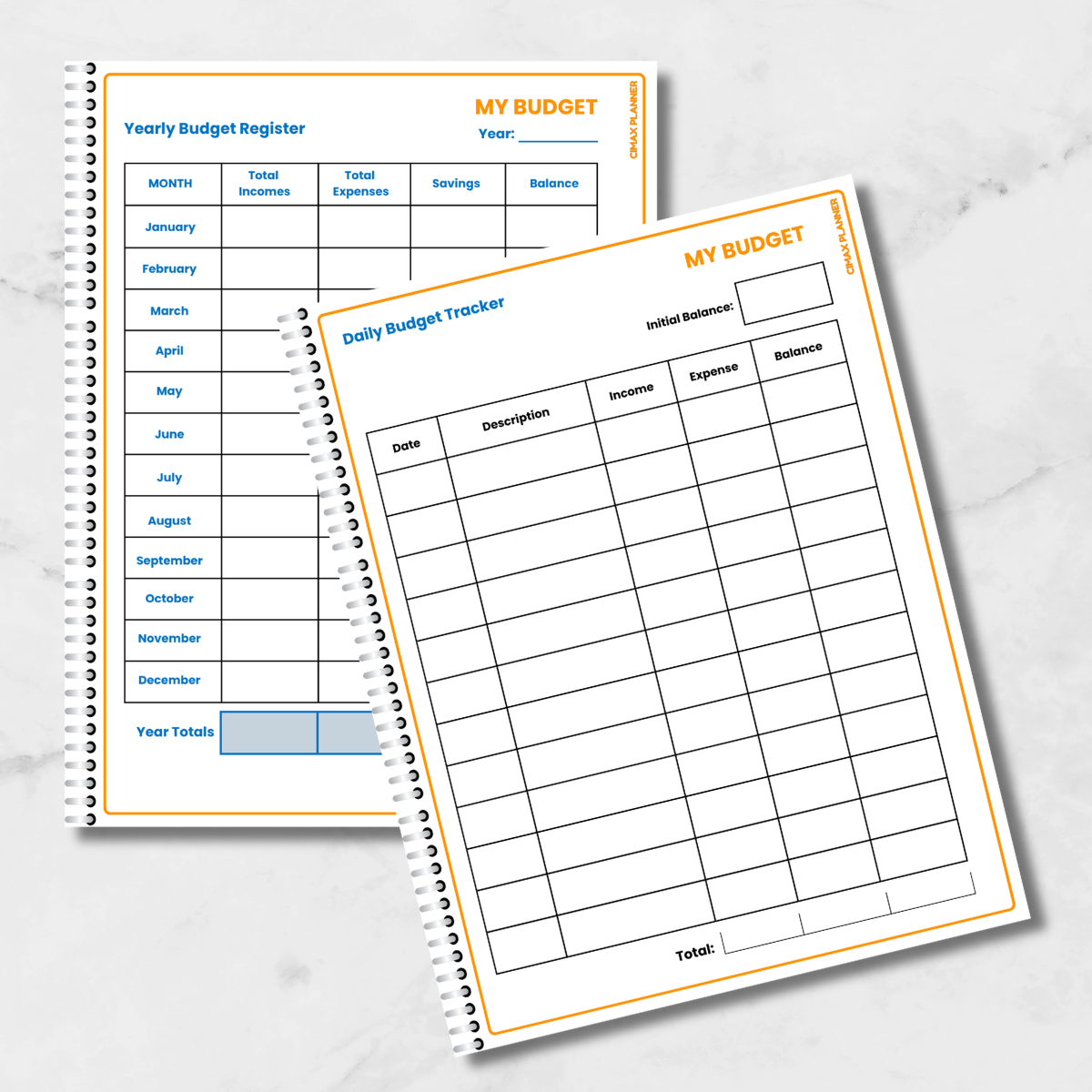
Academic Goals. - Life Skills: Yearly & Daily Student Budget Registers

Ready to Print & Easy to Use
- Home
Print PDF: Tailored for quick & easy
printing on any home printer. - Professional
PDF: Includes crop marks &
bleeds for professional shops. - High-Resolution:
Vibrant, crisp colors on every page. - Easy 3-Step Process: Buy ➔
Download ZIP ➔ Print!